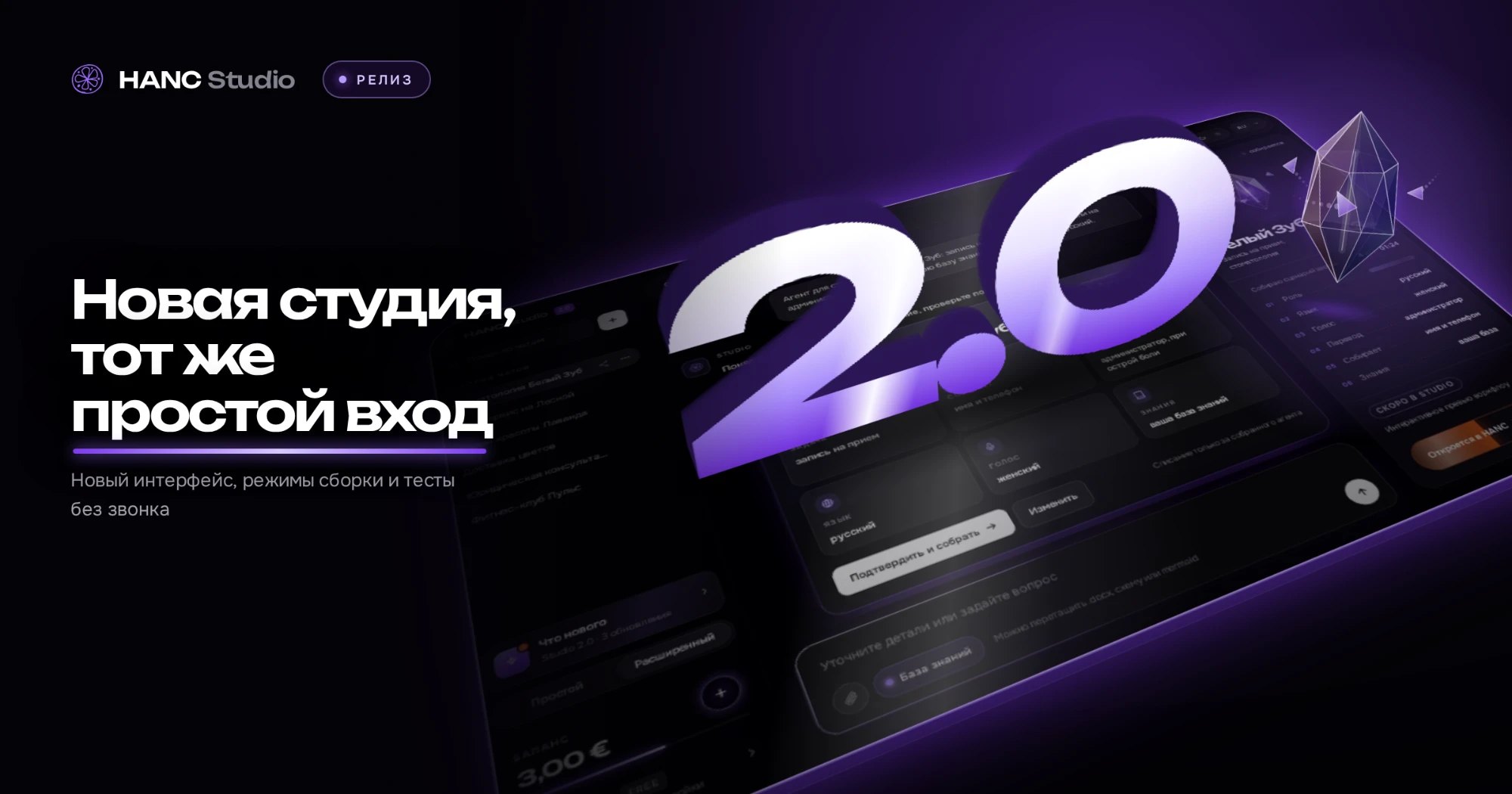
Advanced mode: building an agent from a questionnaire and a knowledge base
A video guide: the whole Advanced-mode route — access key, client questionnaire, knowledge base, brief, specification and the generated workflow in the account.
HANC StudioAdvanced mode builds an agent from a document rather than from one line in a chat. You download the client questionnaire, fill it in, attach it back together with the knowledge-base files — and the studio turns that into a specification, and the specification into a conversation graph.
The recording walks the whole route: from the access key to a finished workflow open in the account.
The twelve steps of the recording
- 01 — what Advanced mode is;
- 02 — your access key;
- 03 — saving the key as an account;
- 04 — the workspace;
- 05 — the client questionnaire and where to get it;
- 06 — inside the document;
- 07 — attaching the filled questionnaire back;
- 08 — the knowledge base and which files reach the agent;
- 09 — the brief: the task in one message;
- 10 — the agent creation form;
- 11 — specification and build;
- 12 — the generated workflow in the account.
The order matters more than it looks: the questionnaire and the knowledge base come before the brief, because the specification is built from those and not from a single sentence.